Caseware SQM
Quality Management solution aligned to global quality standards for firm-wide governance and monitoring.

Key Benefits

Inspection-ready oversight
Maintain traceable evidence of policies, actions and review for regulator and peer review needs.
No lost responsibilities
Route recurring declarations and other tasks to owners so deadlines do not slip despite staff turnover.
Faster standards adoption
Start from prebuilt content and required oversight activities so updates take hours instead of weeks.
Earlier remediation
Capture findings, set actions and document conclusions before gaps become repeat deficiencies.
Product Overview
Build a firmwide system of quality management in a secure cloud workspace. Caseware SQM maps requirements to objectives, risks and responses across ISQM, SQMS, CSQM and QC 1000, giving leadership a single view of quality status and evidence for ongoing oversight.
Features
Select ISQM, SQMS, CSQM or QC 1000 and follow guided prompts. Mandatory objectives populate automatically so your system fits your firm without copying boilerplate text.
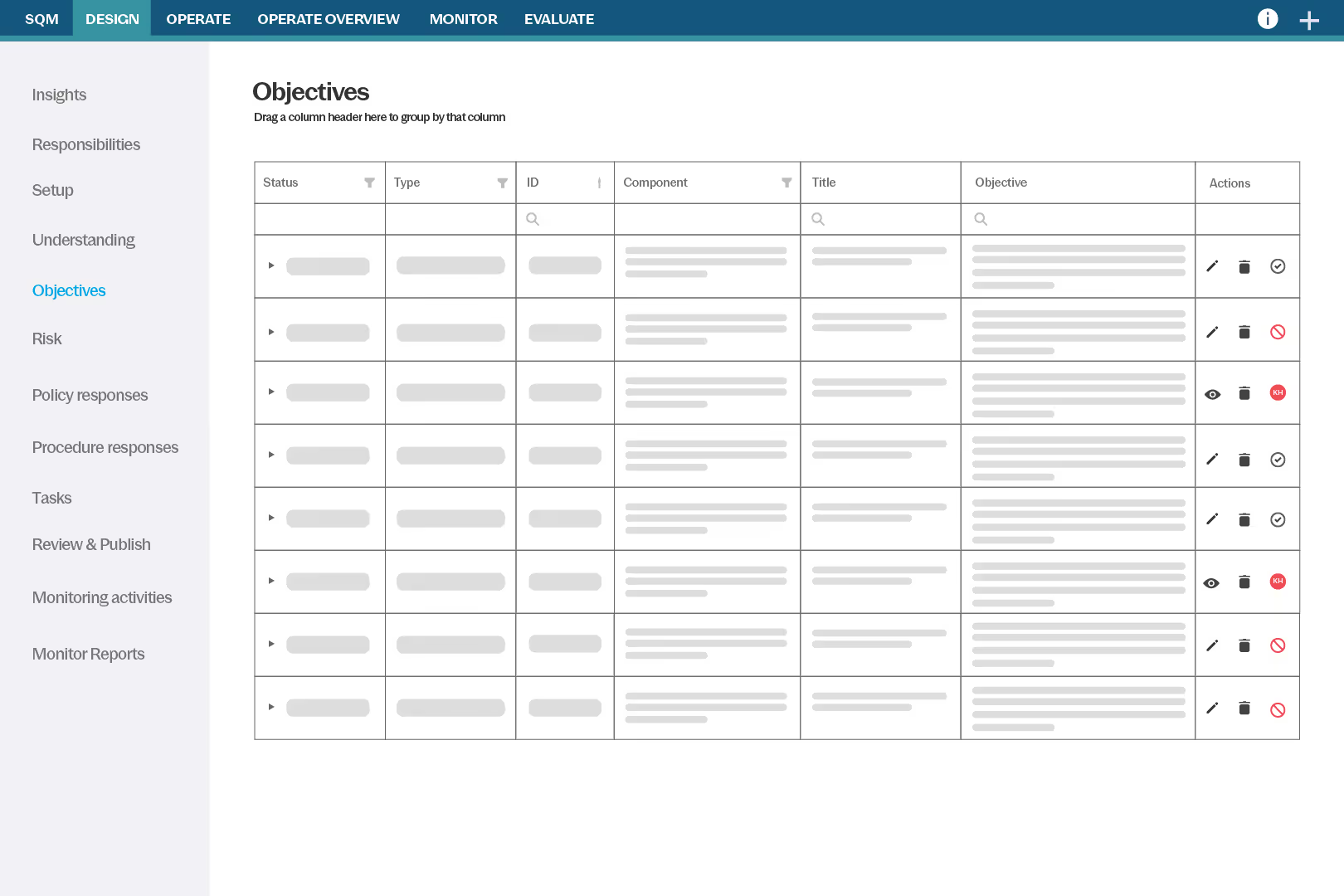
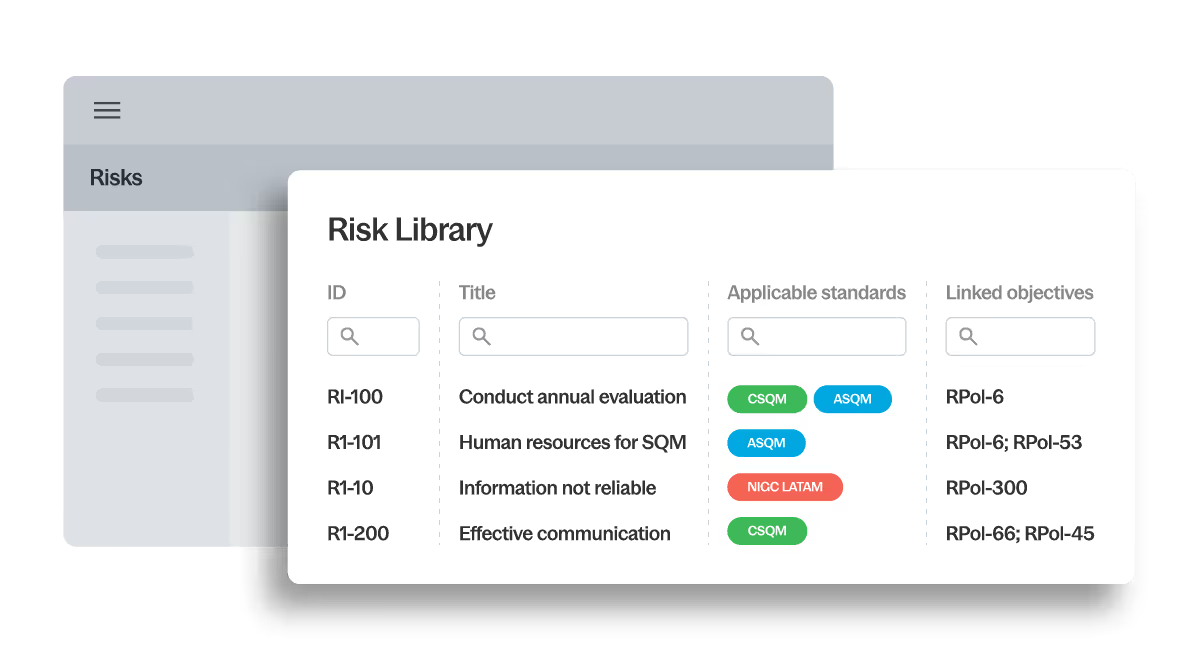
Start with pre-linked objectives, risks and responses, all aligned to current standards. Visual checks highlight gaps and every change keeps its history and approvals together.
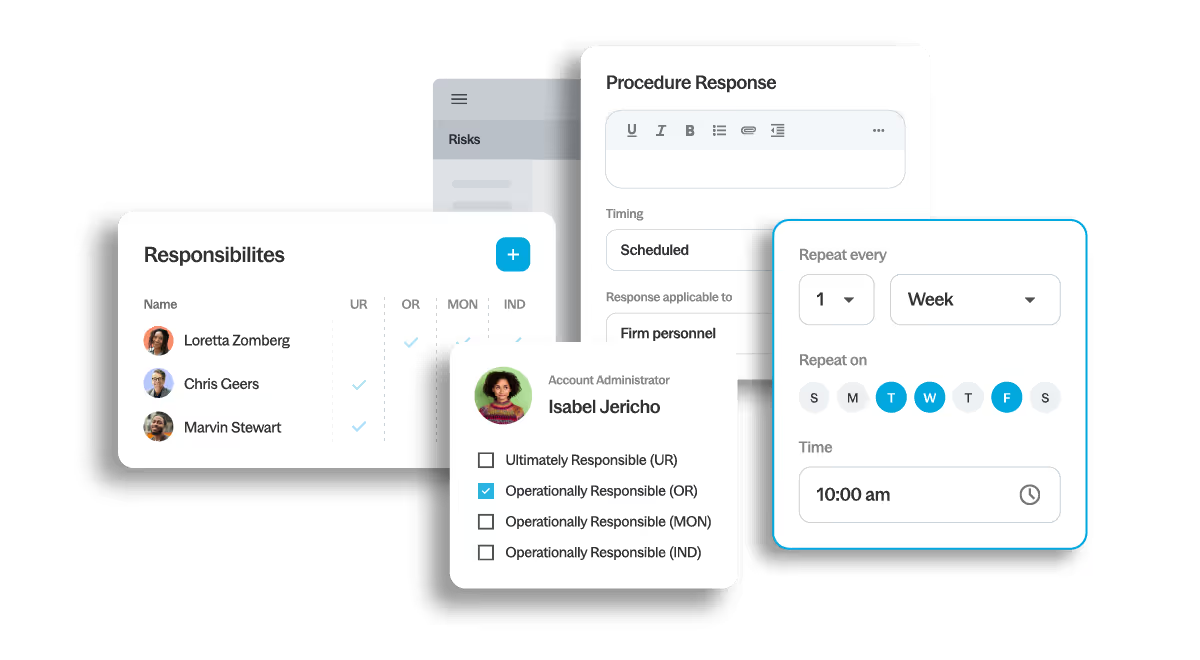
Schedule forms like self-declarations, assign to users or groups, then track status and overdue items on dashboards so responsibilities do not get missed.
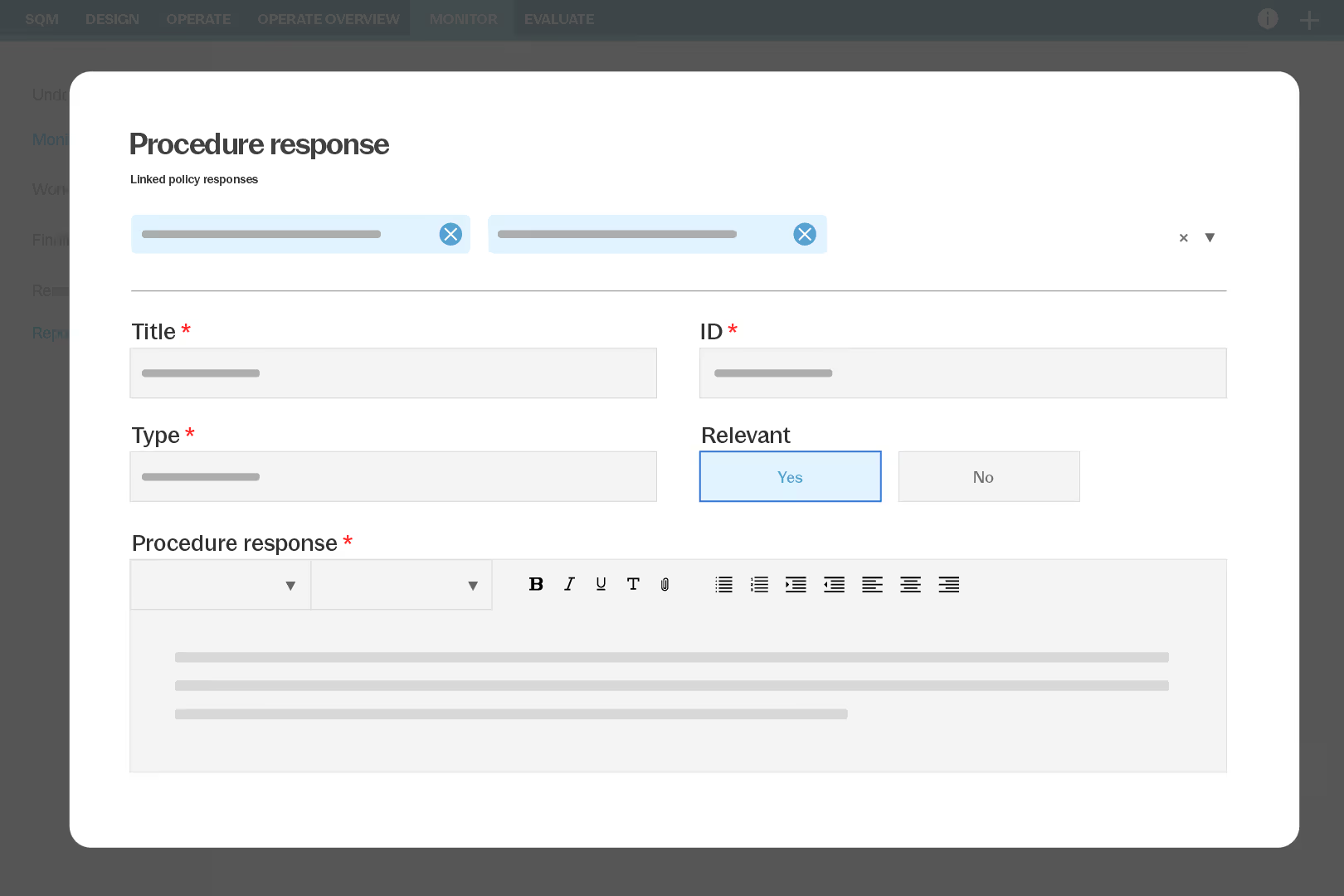
Use preloaded monitoring activities, document findings, set remediation and sign off online. Reports pull evidence into one file to support your annual evaluation.
How to get started
- Standards
Select standards and firm profile - Design
Confirm goals, risks and responses - Assign
Publish tasks to users and groups - Monitor
Track completion and overdue items - Evaluate
Document findings and sign off yearly
Additional Resources