Caseware Financials: Global IFRS
IFRS-aligned financial reporting solution for multi-entity and international reporting requirements.

Key Benefits

Faster Reporting Cycles
Auto-generate draft IFRS financials from your trial balance, easing deadline pressures.
Earlier Sign-Off
Accuracy checks flag inconsistencies early, reducing late fixes and streamlining review.
Consistency Across Teams
Reduce year-over-year rework across offices so managers spend less time reconciling changes.
Scale Global Delivery
Support multi-country groups without rebuilding workpapers when requirements vary.
Product Overview
Streamline preparation of IFRS-ready financials at a cross-border scale in one cloud file. Simplify deployment with templates for 50+ countries, then draft, validate and review with highlighted inconsistencies and tagged changes before exporting Word, PDF or XBRL.
Features
Deploy ready-to-use templates for countries with Caseware-authored disclosures and ongoing regulatory updates so firms do not build or outsource content.
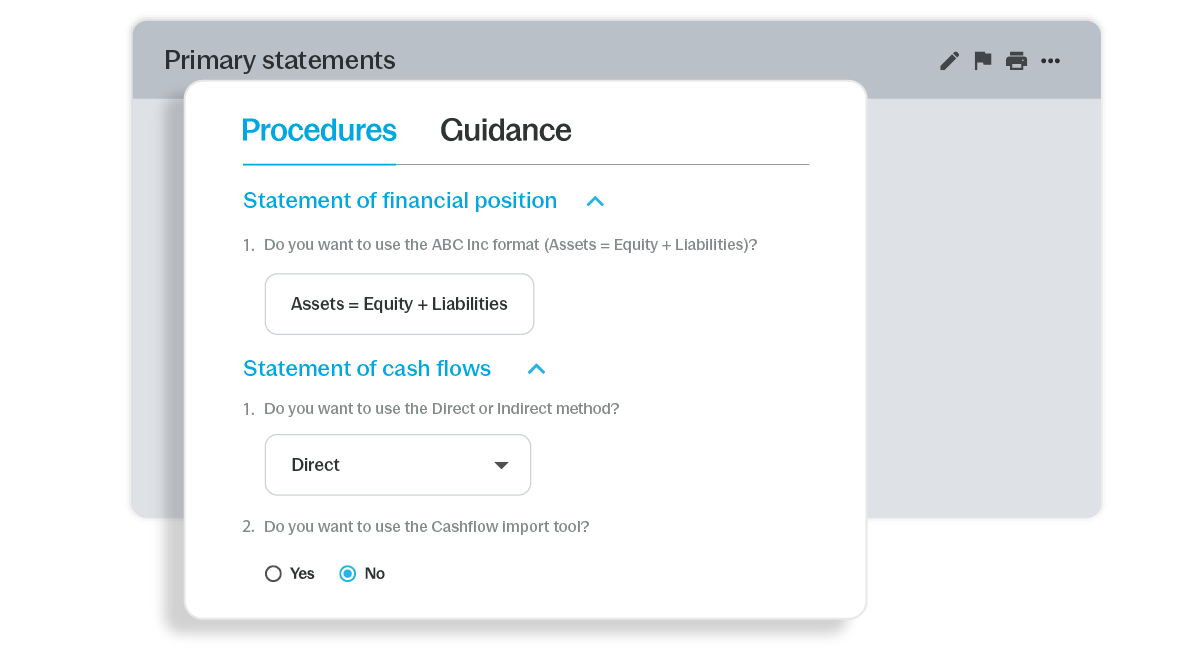
Import TBs from Excel or ERP connectors, map accounts to line items and update figures once so every output, note and check stays in sync across the full file.

Disclosure checklists adjust by entity size, scope and jurisdiction with authored note text in many languages, giving teams jurisdictional alignment beyond translation.

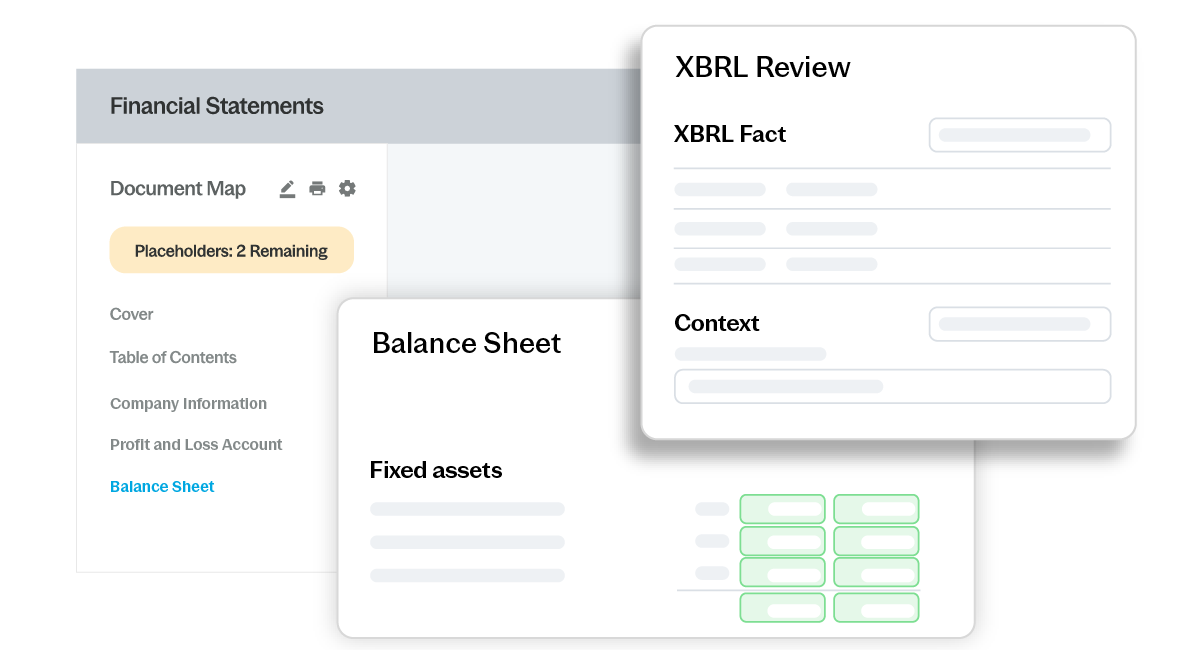
Tag outputs with region-specific XBRL, manage versions and permissions, override tags when needed and generate clean PDF, Word or XBRL files for filing.
How to Get Started
- Scope
Select IFRS or local GAAP and entity scope. - Import
Load TB and map accounts. - Draft
Generate financials and note disclosures. - Review
Validate, comment and clear review notes. - Submit
Create PDF, Word or XBRL for filing.
Additional Resources