IDEA
Audit analytics solution for full-population testing, anomaly detection and audit evidence.

Key Benefits

Stronger risk coverage
Import from any source to pinpoint outliers, gaps and duplicates before sampling.
Repeatable work
Re-run the same routines with confidence using a clear, immutable history of every step.
Stronger client insights
Explain results faster with interactive dashboards and investigation-ready outputs you can publish in a click.
Start testing sooner
Convert exports quickly so testing starts sooner, with less cleanup across clients.
Product Overview
Analyze full populations across ledgers, flag exceptions fast and document repeatable tests. Import from spreadsheets, PDFs, ERPs and Working Papers, then share dashboards and result history with your team. Add AiDA, an in-app AI assistant for in-app guidance when you need it.
Features
Import from Excel, CSV, PDFs, 50+ accounting systems and Working Papers without altering source files. Conversion preserves fields so you can start analytics sooner with less prep.

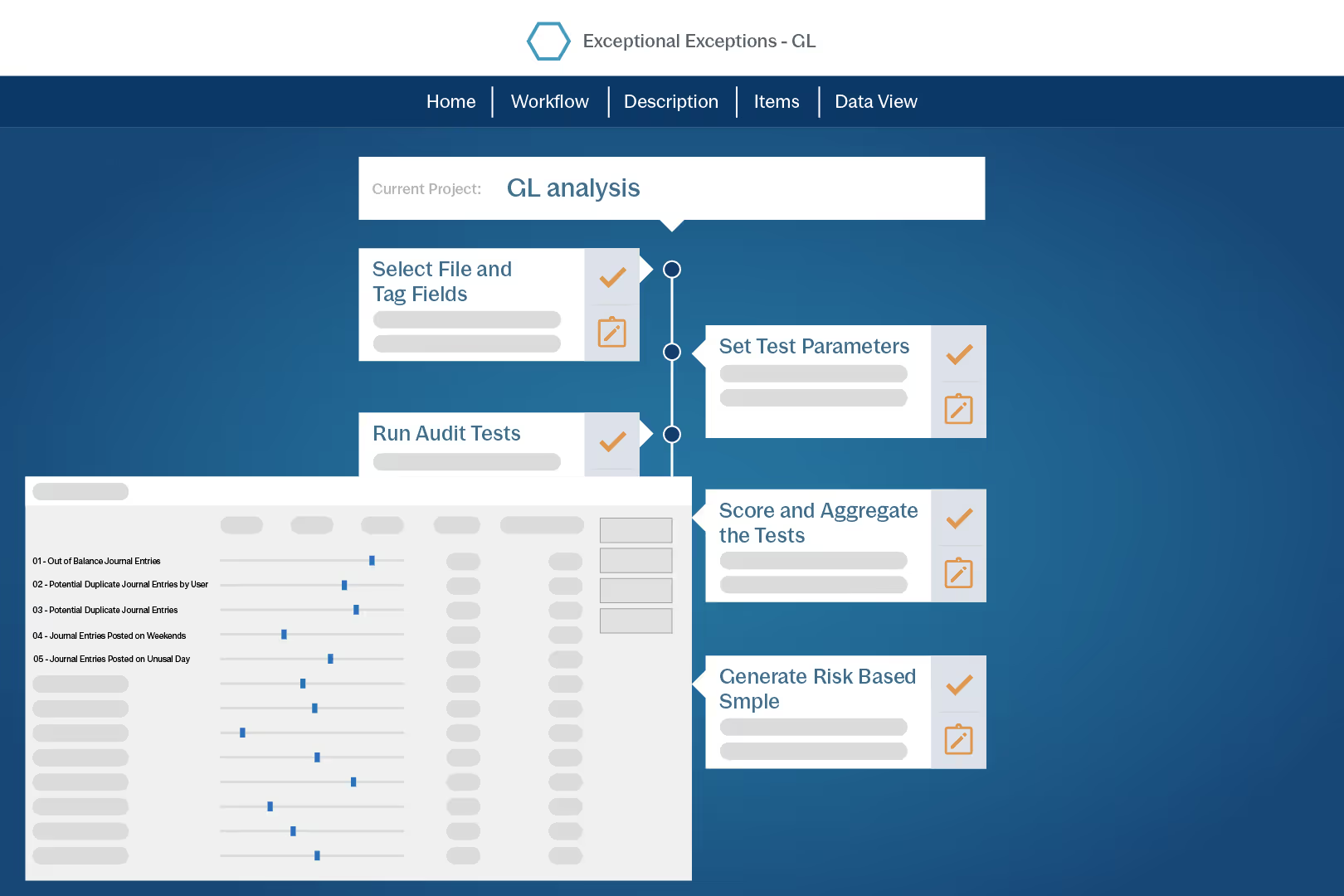
Audit intelligence flags high risk transactions so you can follow up where it matters.
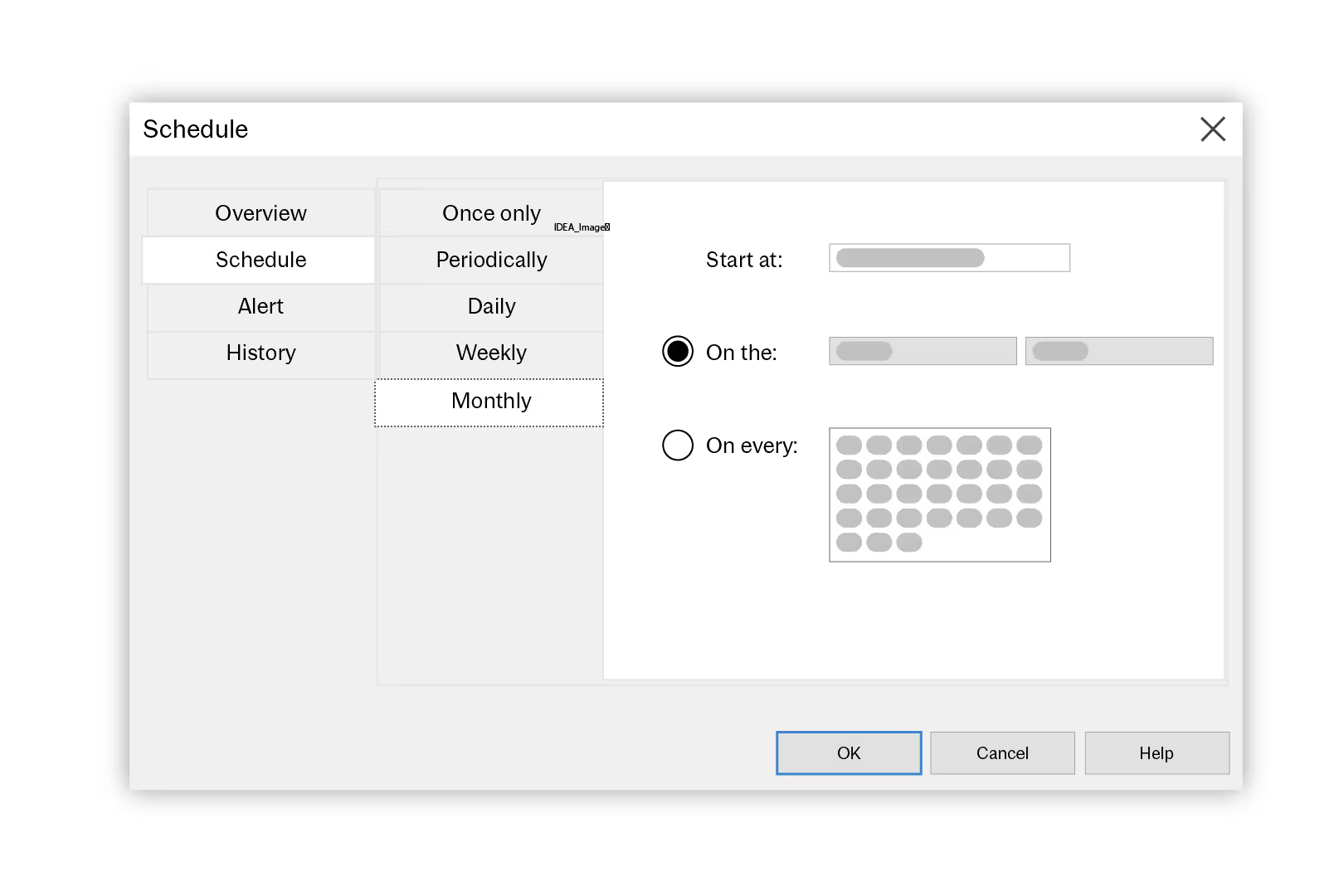
Schedule scripts to run overnight, routines on refreshed data and receive success or failure alerts. Keep a clear run history for review and sign-off.
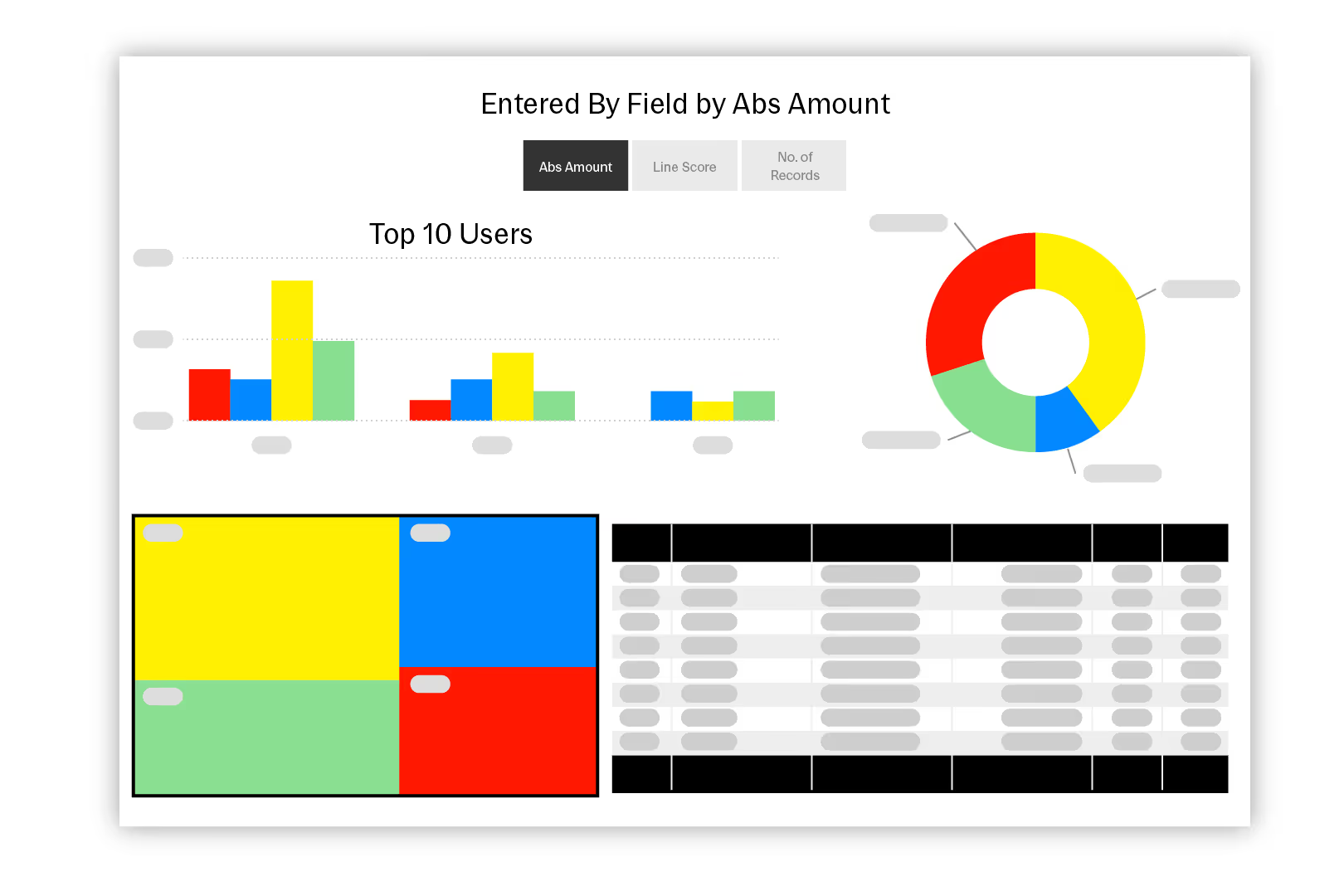
Profile records, build dashboards, then publish results for audit, investigation, or management users. Share files on Caseware Cloud or export to Power BI, Tableau or Excel.
How to get started
- Import
Import client files into a project. - Profile
Profile records to understand patterns. - Test
Run SmartAnalyzer and custom routines. - Automate
Schedule scripts and track each run. - Report
Publish outputs to teams and clients.
Additional Resources